All Articles
More Web Hosting & Server Guides
-

How to Require Clients to Accept Terms and Conditions
How to Require Clients to Accept Terms and Conditions You may want to require a client to indicate that they have read…
-

How to Change the Default Product Group
How to Change the Default Product Group When customers visit their shopping cart (cart.php), the products in the default product group display.…
-
How to Change the Default Order Form Template
How to Change the Default Order Form Template The system uses order form templates when it displays the product selection, product configuration,…
-

How to Translate Product Names and Descriptions
[caption id="attachment_10903" align="alignnone" width="2560"] [/caption] How to Translate Product Names and Descriptions You can translate product names and descriptions into multiple languages…
-

How to Customize and Translate Text
How to Customize and Translate Text WHMCS supports over 25 different languages with the ability to add more to your installation with…
-

How to Allow Visitors to Change the Page Language
[caption id="attachment_10966" align="alignnone" width="2560"] [/caption] How to Allow Visitors to Change the Page Language WHMCS includes multiple Client Area and store translations…
-
How to Change Dates Display in WHMCS
[caption id="attachment_10960" align="alignnone" width="2560"] [/caption] How to Change Dates Display in WHMCS WHMCS can display dates in several different formats, and you…
-
How to Set the Default Country and Language
How to Set the Default Country and Language You can configure a default country and language for your WHMCS installation. Set the…
-
How to Enable SSL on a WHMCS Installation
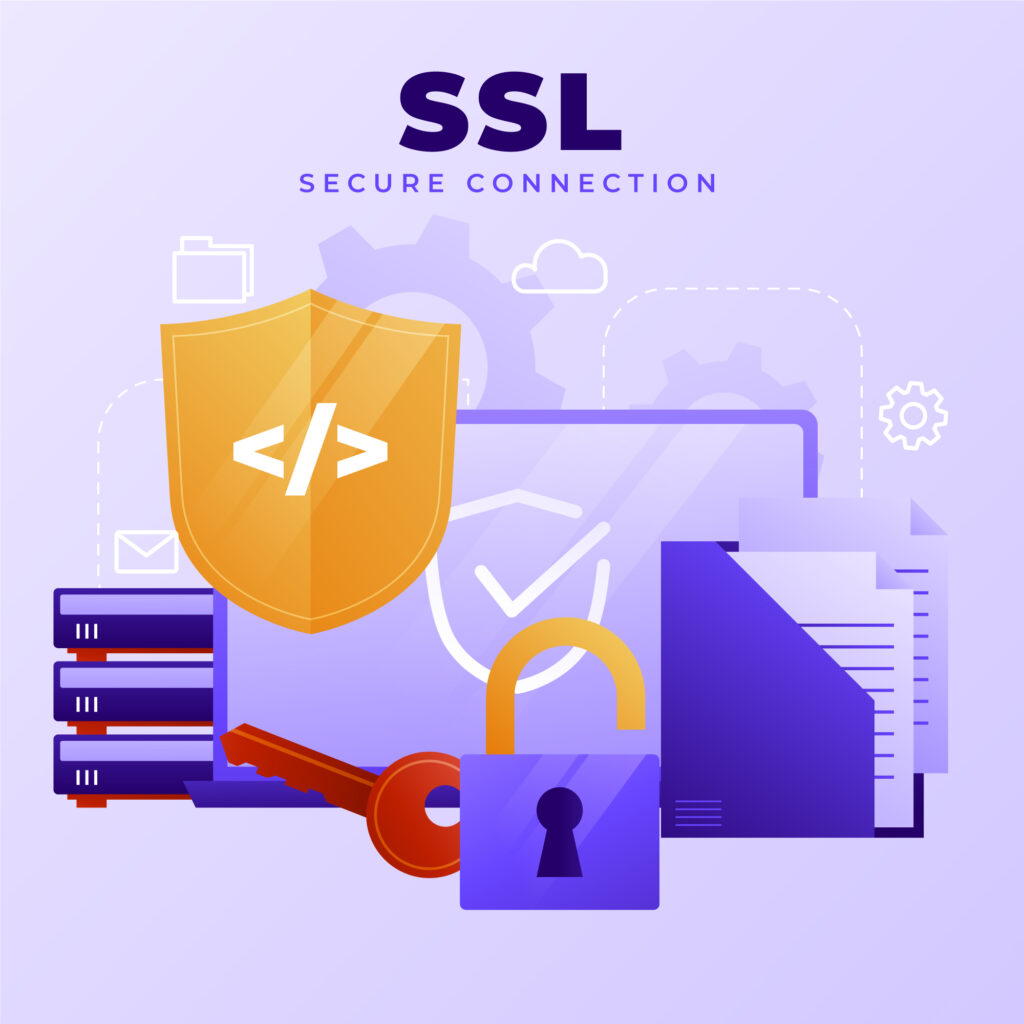
How to Enable SSL on a WHMCS Installation WHMCS often contains private and sensitive data that passes between WHMCS and end users'…
-
How to Rename the WHMCS Admin Directory
How to Rename the WHMCS Admin Directory Customizing the name of your WHMCS admin directory makes it harder for bots and other…
-
How to Restrict Access by IP Address in WHMCS
How to Restrict Access by IP Address in WHMCS For increased protection, if your staff uses fixed IP addresses, you can restrict…
-

How to Move the Crons Directory in WHMCS
[caption id="attachment_10939" align="alignnone" width="2560"] [/caption] How to Move the Crons Directory in WHMCS We recommend moving the crons directory to a private directory above…
-

How to Secure the Configuration File in WHMCS
How to Secure the Configuration File in WHMCS We recommend adjusting the permissions for the configuration.php file in your WHMCS root directory. This file…
-
How to Secure Writeable Directories
How to Secure Writeable Directories We recommend moving all writeable directories to a private location in order to prevent web-based access. When…
-
More Ways to Secure Your WHMCS Installation
More Ways to Secure Your WHMCS Installation eps as we develop each WHMCS version to help ensure a secure system. However, to…
-
How to Enable Encrypted MySQL Connections
How to Enable Encrypted MySQL Connections To use WHMCS with an encrypted MySQL® connection, you will need to perform additional steps to…
-

How to Setup a Development and Testing Environment in WHMCS
How to Setup a Development and Testing Environment in WHMCS Creating a testing and development environment will let you verify all of…
-

How to Disable MySQL Strict Mode
How to Disable MySQL Strict Mode You must disable MySQL® Strict Mode in order to run WHMCS on your server. We recommend disabling it…