Tech Insights
Top 10 Hosting Tools for Managing a Small Website
A practical evergreen guide to ten tools for DNS, HTTPS, backups, monitoring, web serving, and repeatable website operations—with a clear job and trade-off for each.
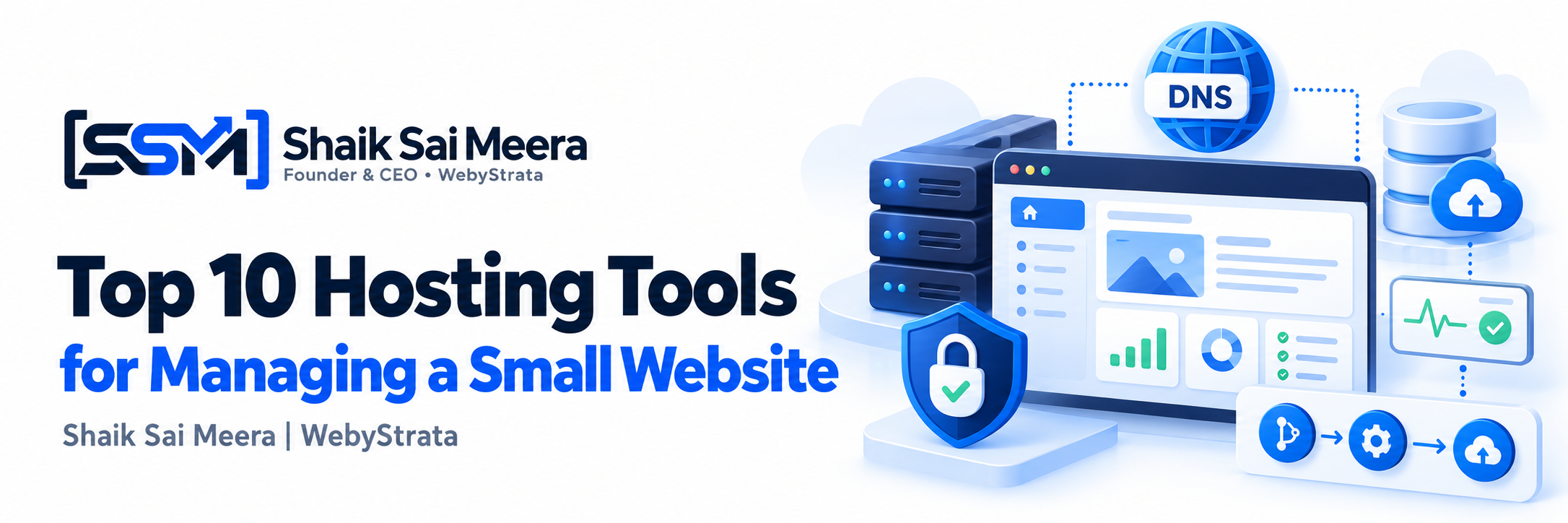
Evergreen guide: Running a small website is easy to underestimate. A page may be simple, but the work around it includes pointing the domain, renewing HTTPS, keeping backups, watching availability, and knowing how to recover after a failed change. The best hosting setup is not the one with the most dashboards; it is the one that makes those jobs visible and repeatable.
This guide compares ten hosting tools by the operational question each one helps answer. It is not a universal ranking and it does not assume that every site needs every tool. A managed host may already provide several of these functions. The value of the list is in identifying gaps, not in adding software for its own sake.
How the list was selected
The tools below have official documentation or project pages and cover different layers of website operations: DNS, certificates, web serving, backups, file transfer, WordPress administration, and monitoring. The selection favors tools that help an owner understand what is happening and recover when a routine change does not go as planned.
1. Cloudflare DNS — keep domain records understandable
Cloudflare DNS provides documentation for managing DNS records and related domain behavior. A clear DNS interface can help a site owner keep the website, email, verification records, and subdomains organized.
Best fit: domains with several records or services that need a consistent place for DNS management.
Trade-off: DNS changes can affect multiple services. A record change should be documented, checked from more than one resolver when necessary, and made with a clear rollback plan.
2. Certbot — automate HTTPS certificate work
Certbot is the Electronic Frontier Foundation’s tool for obtaining and renewing certificates from Let’s Encrypt. It can reduce the chance that certificate renewal becomes a forgotten manual task on a server the owner controls.
Best fit: sites where the operator manages the web server and needs repeatable certificate renewal.
Trade-off: automation still needs monitoring. A renewal process that fails silently can become an outage later, so the owner should know where logs and expiry alerts are checked.
3. Uptime Kuma — notice availability changes
Uptime Kuma is an open-source monitoring tool that can watch websites, APIs, ports, and other endpoints. It gives a small team a place to notice a problem before the first customer message arrives.
Best fit: owners managing more than one website, endpoint, or hosted service.
Trade-off: a monitor on the same host as the website may not see every failure. Alert delivery and the monitor’s own availability deserve attention.
4. restic — keep encrypted backups portable
restic is a backup program whose documentation describes repositories, snapshots, encryption, and verification workflows. It can be useful when a site owner wants a repeatable way to copy important files and check that the backup can be read.
Best fit: server files, configuration, and website data that need scheduled backups outside the primary host.
Trade-off: a backup is only valuable if it can be restored. Storage credentials, retention, repository access, and restore testing need to be part of the routine.
5. BorgBackup — deduplicated backups for operators
BorgBackup provides deduplicated and compressed backup workflows with encryption options documented by the project. It can suit operators who want a history of snapshots without copying every unchanged block each time.
Best fit: recurring backups where storage efficiency and a clear snapshot history matter.
Trade-off: the repository format and operational commands need to be understood by whoever will perform recovery. A backup tool should not become an undocumented dependency on one person.
6. rsync — move files predictably
rsync is a file synchronization utility commonly used for website deployments, transfers, and backups. Its ability to compare and transfer changes can make repeated file movement more efficient than copying an entire directory every time.
Best fit: moving site files between a development machine, staging area, and server with a repeatable command.
Trade-off: synchronization commands can delete or overwrite files when used carelessly. A dry run, a documented source and destination, and a tested deployment routine are important.
7. WP-CLI — manage WordPress without clicking through every screen
WP-CLI provides command-line tools for managing WordPress installations, plugins, themes, content, and maintenance tasks. It can help an owner repeat routine work and inspect a site when the dashboard is slow or unavailable.
Best fit: WordPress sites that need repeatable updates, exports, searches, or maintenance commands.
Trade-off: command-line access is powerful. The operator should understand which site is being targeted and keep a recovery path before running broad changes.
8. Caddy — a web server with simple HTTPS defaults
Caddy documents a web server designed around a concise configuration style and automatic HTTPS capabilities. It can be interesting for a small project where reducing configuration overhead is more important than matching an existing complex server stack.
Best fit: small services, reverse-proxy setups, and websites where a clear configuration file is valuable.
Trade-off: changing web servers is still an architectural change. Existing redirects, PHP handling, headers, logs, and caching behavior must be tested before moving a live site.
9. Nginx — a widely documented web and proxy layer
Nginx provides documentation for serving web content, proxying applications, handling connections, and configuring related features. It can be a strong fit when a site or application needs a familiar, highly configurable front layer.
Best fit: websites and services that need explicit control over routing, proxying, headers, or static asset delivery.
Trade-off: flexibility increases the number of configuration choices. A small site should keep its configuration simple, versioned, and tested after changes.
10. Netdata — observe the host, not only the homepage
Netdata provides documentation for monitoring system and application metrics. It can help an operator look beyond whether the homepage responds and see resource patterns such as CPU, memory, disk, or service activity.
Best fit: small servers where the owner needs context for slowdowns, resource pressure, or unusual behavior.
Trade-off: more metrics do not automatically produce better decisions. Choose a small set of signals and define what action each alert should trigger.
A sensible starting stack
A small website does not need all ten tools on day one. Start by listing the jobs already covered by the host: DNS, certificates, backups, monitoring, and deployment. Add only what is missing. For many sites, the first useful improvements are an off-host backup, an expiry check, and a simple uptime monitor.
Write down the recovery path while the website is healthy. Record where the domain is managed, where backups live, how the site is deployed, which credentials are needed, and who can make an urgent change. That short document often saves more time than another dashboard.
Good hosting operations are quiet when they work: the domain resolves, HTTPS renews, backups complete, and a failed change can be reversed. The right tools make those quiet routines visible enough to trust.
Editorial note: This article is a general information summary based on the cited public sources. It is not legal, cybersecurity, or compliance advice.
Related Articles