Tech Insights
Top 10 Self-Hosted Tools for a Small Online Business
From files and analytics to scheduling, monitoring, documentation, and invoicing, these ten self-hosted tools show where a small online business can gain control—and where it takes on more responsibility.
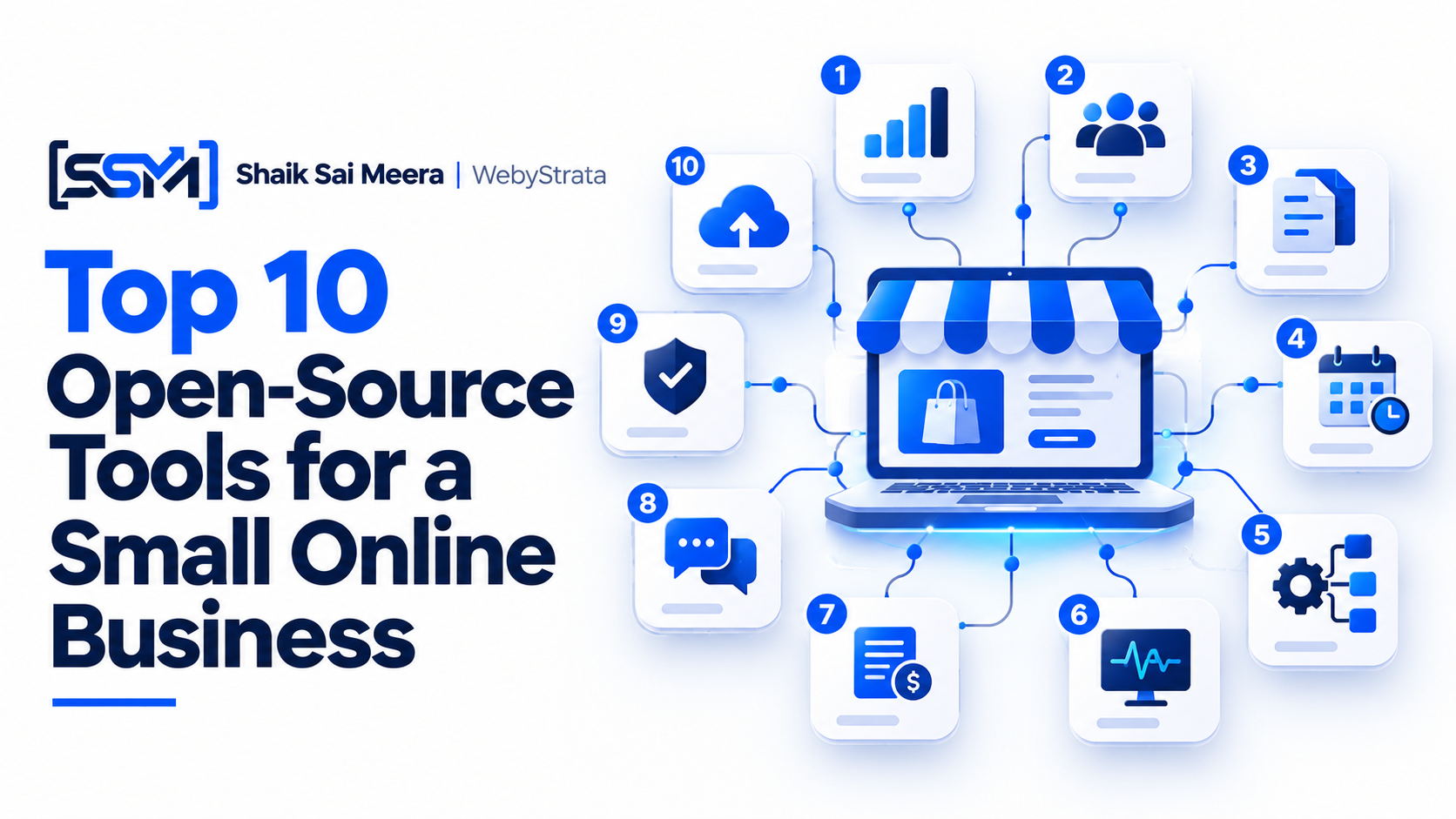
Evergreen guide: A small online business can quickly accumulate separate services for files, analytics, appointments, customer conversations, invoices, documentation, and automation. Self-hosting can bring those functions closer to the business, but it also makes the owner responsible for updates, backups, access, and recovery.
This guide compares ten self-hosted tools by the job they can perform, not by declaring one universal winner. The right choice depends on technical comfort, staff time, data requirements, and whether the business can maintain another application. License terms and hosted options vary by project, so the official project page should be checked before deployment.
How the list was selected
The tools below have a clear business use case and public documentation or project information. The selection covers common operational needs: collaboration, analytics, monitoring, internal knowledge, scheduling, automation, marketing, invoicing, team communication, and business operations. The goal is to make the trade-off visible: control is useful only when maintenance is realistic.
1. Nextcloud — files and team collaboration
Nextcloud can provide a central place for files, calendars, contacts, and collaboration workflows. It suits a small team that wants a private workspace under its own domain or hosting environment.
Best fit: shared documents, internal files, calendars, and team collaboration.
Trade-off: storage growth, mobile access, backups, and account recovery all become part of the operator’s responsibility.
2. Matomo — website analytics with more control
Matomo is a web analytics platform that can be deployed in an environment controlled by the business. It can help an owner understand traffic and content performance without placing every reporting workflow in a third-party dashboard.
Best fit: businesses that want a durable analytics history and control over where reports are stored.
Trade-off: analytics still requires thoughtful configuration, retention decisions, and interpretation. Owning the platform does not automatically make the data meaningful.
3. Uptime Kuma — a simple service watchlist
Uptime Kuma is a monitoring tool for checking whether websites, APIs, ports, and other endpoints respond as expected. A small business can use a separate monitoring location to notice failures instead of discovering them from a customer message.
Best fit: owners managing several websites, domains, APIs, or hosted services.
Trade-off: monitoring from the same server as the application may not reveal every outage. Alert delivery and the monitoring location need their own reliability plan.
4. BookStack — an internal knowledge base
BookStack organizes internal documentation into shelves, books, chapters, and pages. That structure can help a small team record hosting details, repeatable processes, onboarding notes, and customer-service answers.
Best fit: businesses where important knowledge currently lives in private messages or one person’s memory.
Trade-off: documentation is only valuable when it is reviewed. A neglected knowledge base can be less useful than a short, current checklist.
5. Cal.com — appointment scheduling
Cal.com provides scheduling workflows for meetings and appointments. A self-hosted deployment can be useful when a consultancy, agency, or service business wants scheduling to sit closer to its own web presence.
Best fit: consultations, demos, service bookings, and internal meeting coordination.
Trade-off: calendars, time zones, email delivery, and meeting integrations create a larger operational surface than a simple contact form.
6. n8n — connecting business workflows
n8n connects services into visual workflows. A small business might use it to move form data into a database, notify a team, create a task, or trigger a follow-up process.
Best fit: repeatable multi-step processes that are awkward to maintain as manual work.
Trade-off: workflow automation can quietly create duplicate records or missed actions when credentials, APIs, or assumptions change. Each important workflow needs logs and a clear owner.
7. Mautic — marketing automation under your control
Mautic is designed for marketing automation, including campaigns and audience workflows. It can interest businesses that want to connect content, forms, and follow-up sequences in a system they operate.
Best fit: organizations with an established content and email process that needs more structure.
Trade-off: campaign tools need careful data handling, mail configuration, and content discipline. Installing the platform is much easier than designing a useful customer journey.
8. InvoicePlane — a focused invoicing workspace
InvoicePlane is aimed at creating and managing invoices for small businesses and freelancers. A self-hosted invoice workspace can help keep routine billing records close to the rest of a company’s operational data.
Best fit: freelancers and small service businesses with straightforward invoice workflows.
Trade-off: invoicing requirements vary by country and business structure. A tool’s features do not replace professional accounting review or local compliance requirements.
9. Rocket.Chat — team communication
Rocket.Chat provides a team communication environment that can be operated in a business-controlled deployment. It can make project discussions and internal support conversations easier to separate from personal messaging apps.
Best fit: teams that need searchable project conversations and clearer ownership of internal communication.
Trade-off: chat creates its own retention, notification, backup, and moderation responsibilities. A quiet, well-organized workspace is more useful than hundreds of unmanaged channels.
10. ERPNext — when operations outgrow spreadsheets
ERPNext brings several business functions into one platform, including areas such as accounting, inventory, sales, and projects. It is a larger step than adding a single utility, but it can be worth evaluating when information is scattered across many disconnected systems.
Best fit: growing businesses with repeatable operational processes and a need for shared records.
Trade-off: an ERP is a process project as much as a software project. Configuration, migration, permissions, training, and reporting require more effort than a small standalone tool.
When self-hosting is the wrong choice
Self-hosting is not automatically cheaper, simpler, or more private. A business needs a maintenance window, tested backups, access controls, monitoring, and a recovery plan. It also needs to understand whether a project’s license and support model fit the intended use.
A practical starting point is one low-risk tool with a clear owner. Document how it is updated, backed up, restored, and retired. If the business cannot answer those questions, adding a second self-hosted service may create more operational work than value.
The strongest self-hosted stack is not the one with the most applications. It is the one a small team can understand, maintain, and recover when the business is busy.
Editorial note: This article is a general information summary based on the cited public sources. It is not legal, cybersecurity, or compliance advice.
Related Articles